Thank you for choosing to purchase this module!
After you've purchased and installed the module, it will automatically be added to your HubSpot account.
You should be able see it under the Settings > Marketplace Downloads
Overview
The Interactive USA Map module lets you showcase state-level information on your website in a clear, engaging way. Highlight states, show quick details on hover, link to deeper content, and manage legends and styles without code.
What you can do
- Embed the map on any page with a simple snippet
- Highlight states by status or priority with custom colors
- Show concise details in hover cards
- Link each State to a page, resource, or form
- Auto-generate and edit legends
- Match your site with light and dark themes
- Customize colors, fonts, and styles
- Keep performance fast and the layout fully responsive
Use Cases of Interactive Map module:
- Show your national presence
- Map product availability
- Highlight service coverage
- Showcase partners and distributors
- Display shipping and fulfillment
- Visualize support coverage
- Share impact and program locations
- Feature events and trainings
- Publish customer stories and case studies
- Outline hiring locations
- Indicate compliance and certifications
- Present research and state metrics
- Mark office locations
- Define sales territories
- Show community or member locations
- Preview coming soon launches by state with one interactive map.
For ease of reading, we've organized this documentation into multiple sections,
- Installation
- Content options
- Design and styling
- Advanced features
- FAQ
Let's explore each of them individually.
1. Installation
Open any page where you like to display the map module.
On the left panel, search the 'Interactive USA Map' and simply drag and drop it onto the page.
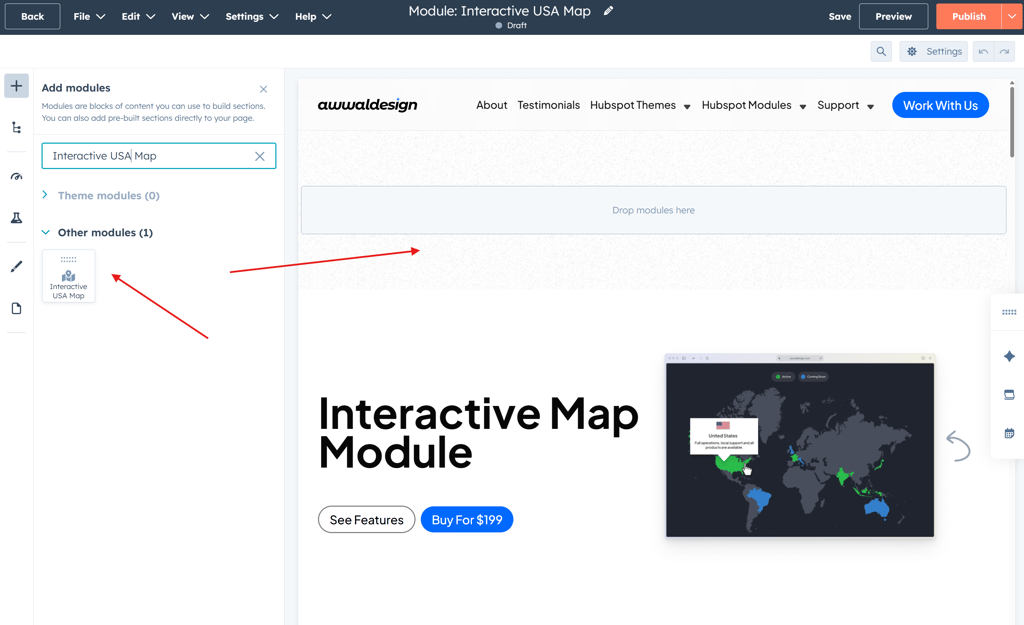
Great, you've just added the module, now let's personalize it.
2. Content options
➤ Highlight States
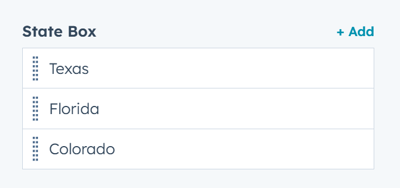
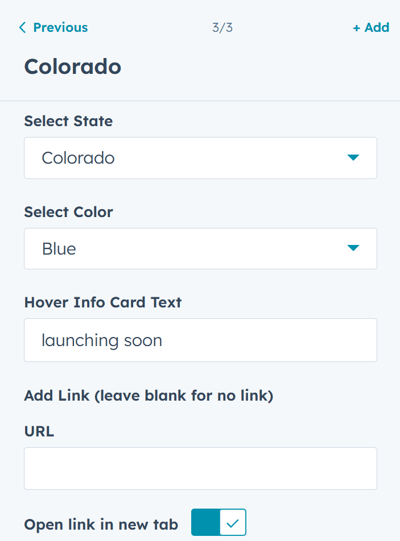
➤ Choose State, color, add hover info, add link
3. Design and styling
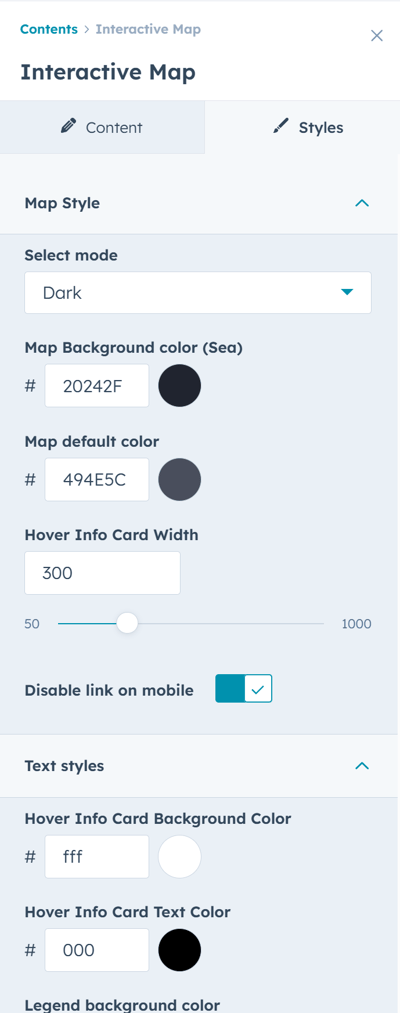
- Choose dark mode or light mode
- Customize color for fonts, map elements
- Control module width
- Control module alignment
4. Advanced Features
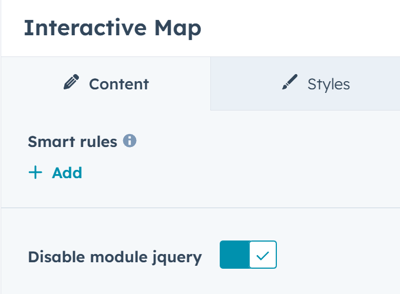
➤ Disable module jQuery
If your site already loads jQuery or you prefer not to use it, you can disable the module’s built-in jQuery with a single click.
5. Frequently Asked Questions
Q: Can I rename legend items?
A: Yes, you can create legends, customize the label and add color. You can also choose to hide the labels all together.
Q: Can I use different content per state?
Yes. You can set unique hover text, labels, and links for each state.
Q: What should I call the small hover pop-up?
Hover Card or State Hover Card are clear and familiar terms.
Q: Does the module have dark mode?
A: Yes. Both light and dark mode o to match your site.
Need More Help?
If you have questions or need support, reach out to our team at [safwan at awwaldesign.com]
